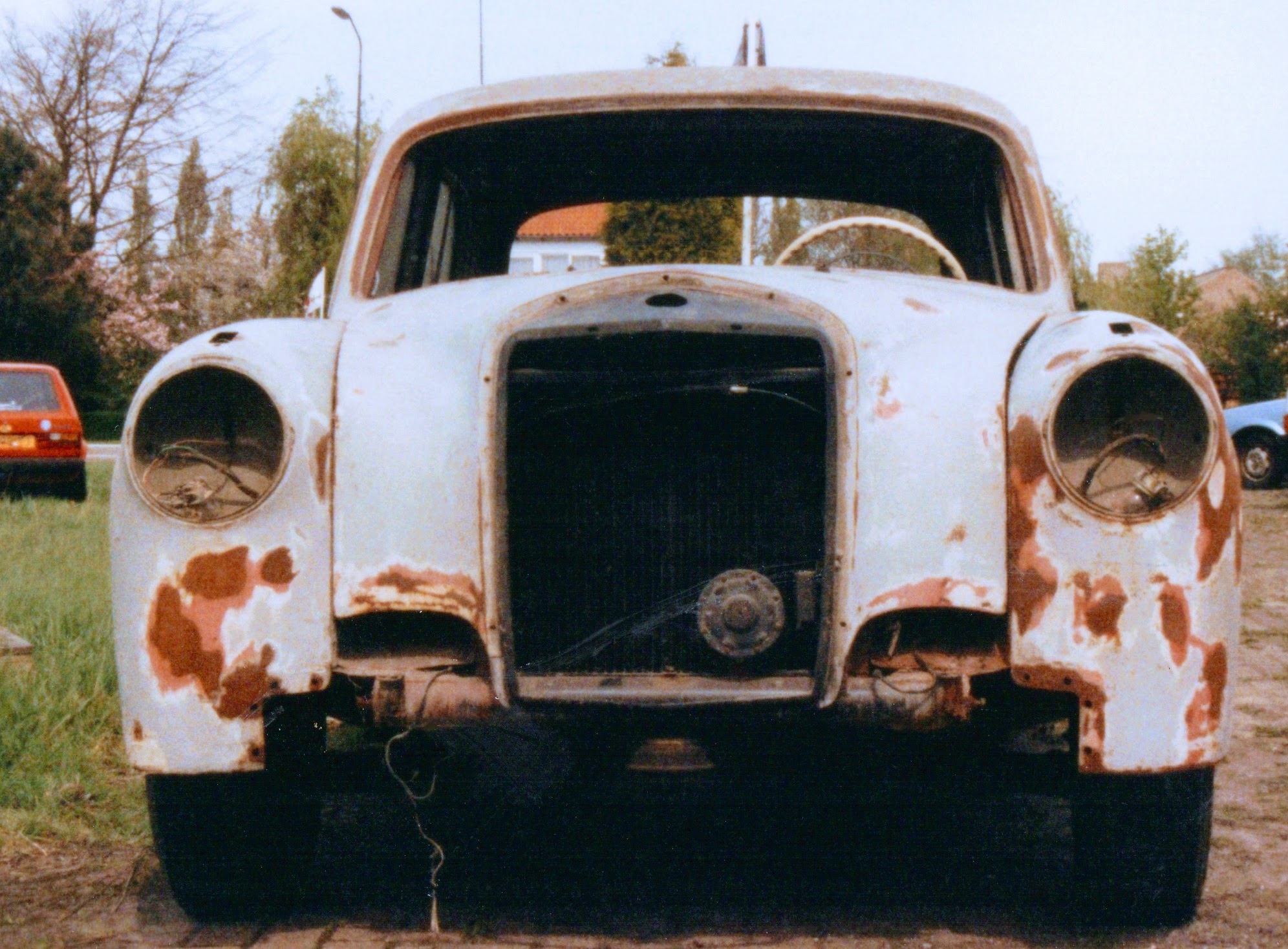
Ik liep al een tijdje rond met het idee om het hele verhaal van mijn oudste Mercedes maar eens compleet op te schrijven. Dat idee kreeg afgelopen week een mooie opsteker toen er met de voorjaarsschoonmaak een enorme zooi oude negatieven en afdrukken tevoorschijn kwam. Waaronder deze batch van voorjaar 1993. Als ik deze foto’s zie snap ik achteraf wel waarom sommige zwartkijkers me een volslagen idioot vonden toen ik haar in september 1978 kocht – en misschien vinden sommigen dat nog steeds. Maar hey, veertig jaar later heb ik haar nog steeds, en rij ik er nog steeds geregeld… >> Lees verder . . . >>
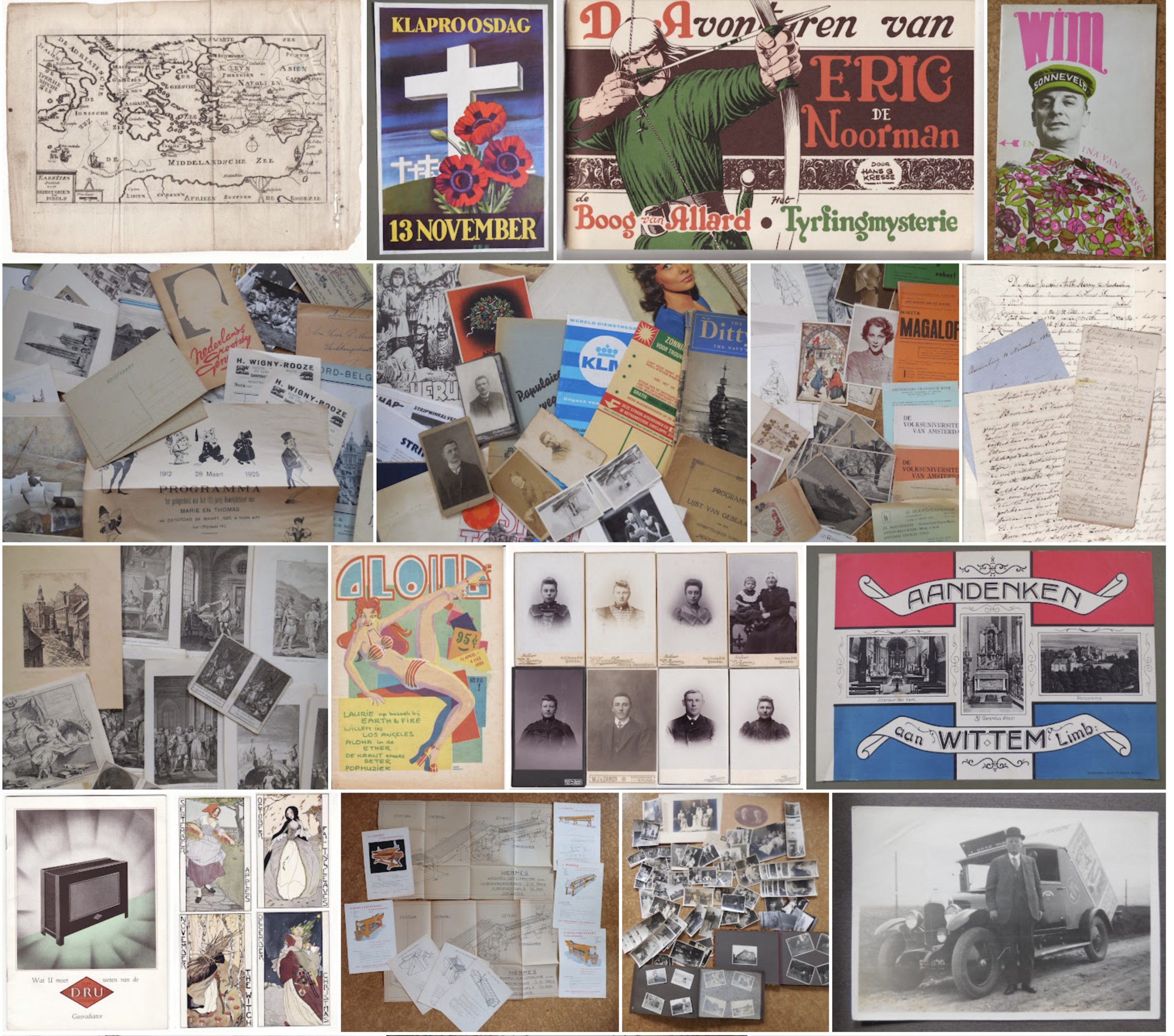
Waiwaih Works, in platte zaken
Johan van Zundert, antiquair uit Breda en eigenaar van Waiwaih Works Antiquariaat, benaderde me nadat hij me via Google tegenkwam op zoek naar meer informatie over drie ansichtkaarten die hij ingekocht had. Het zijn portretten van de Bredase ‘Schoonheidskoningin’ Rie van der Rest, wier leven ik bijna twee jaar geleden op een rijtje gezet heb. Het bijzondere aan de drie kaarten is dat ze gesigneerd zijn door Rie, en verzonden aan ‘Mademoiselle Dekkers’, die in 1932 op Minister Nelissenstraat 32 woonde. Voorzien van een met de datum afgestempelde postzegel van anderhalve cent. Op de voorkanten staan drie verschillende portretten van… >> Lees verder . . . >>
De Krukke
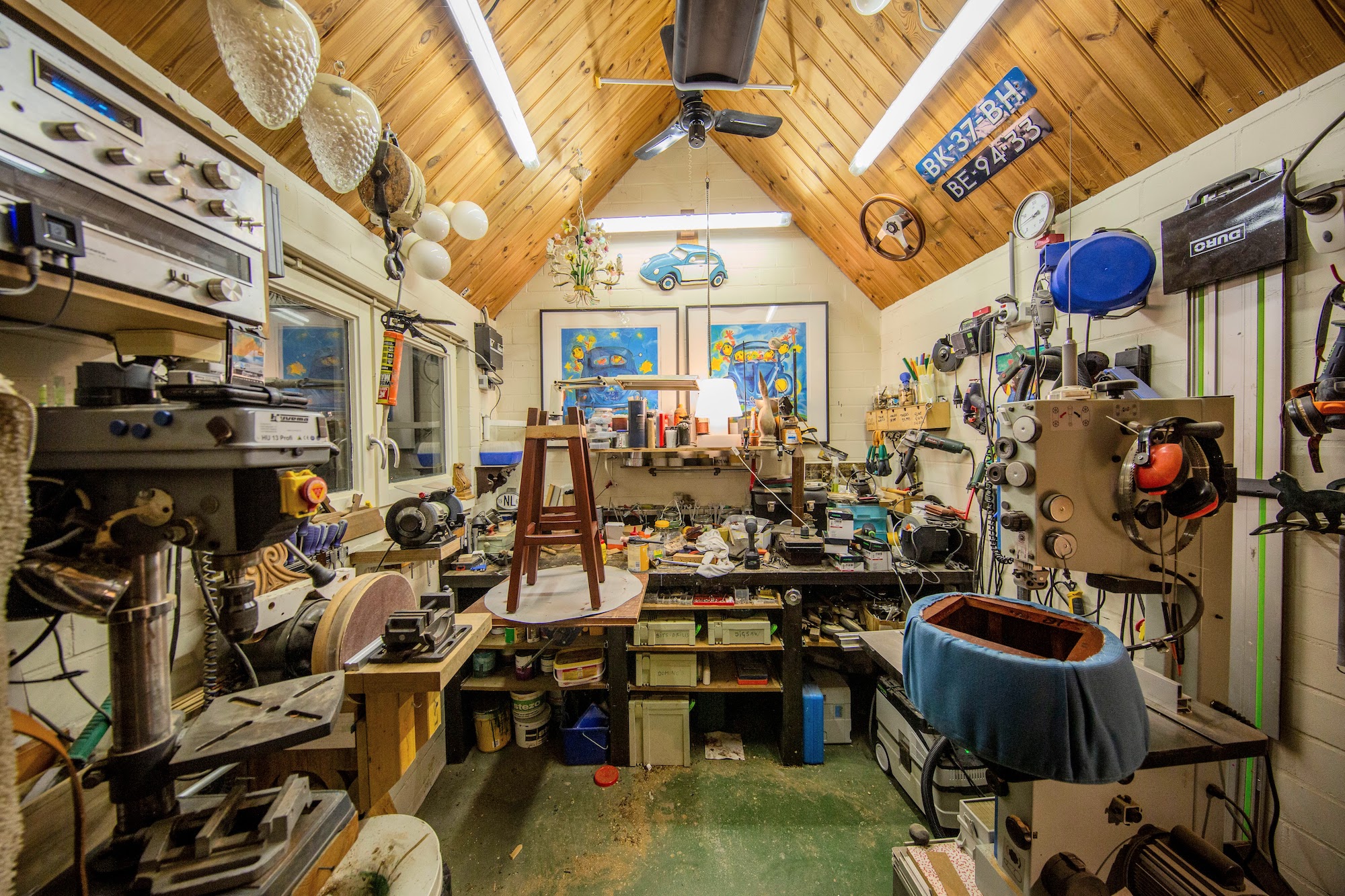
Ziezo. Ik verklaar de winter voorbij: de Krukke van Café, Brouwerij en Restaurant De Beyerd zijn klaar. Insiders snappen waarom de afsluitende ‘n’ ontbreekt; eerbetoon aan huisband De Krukke, die met Carnaval al vijf decennia gaande de Grote Optocht vanaf de luifel de Boschstraat omver toetert. Op 3 december heb ik de eerste twee Krukke opgehaald, de laatste, nummer negentien, staat nu, drie maanden later, in zijn eentje te drogen onder het zwarte infrarood paneel in mijn woodshop. Na de eerste vier experimenten ontstond er wat logistiek en methodiek, waarna de routine er langzaam in kwam. Eerst de zittingen er… >> Lees verder . . . >>
Portugal
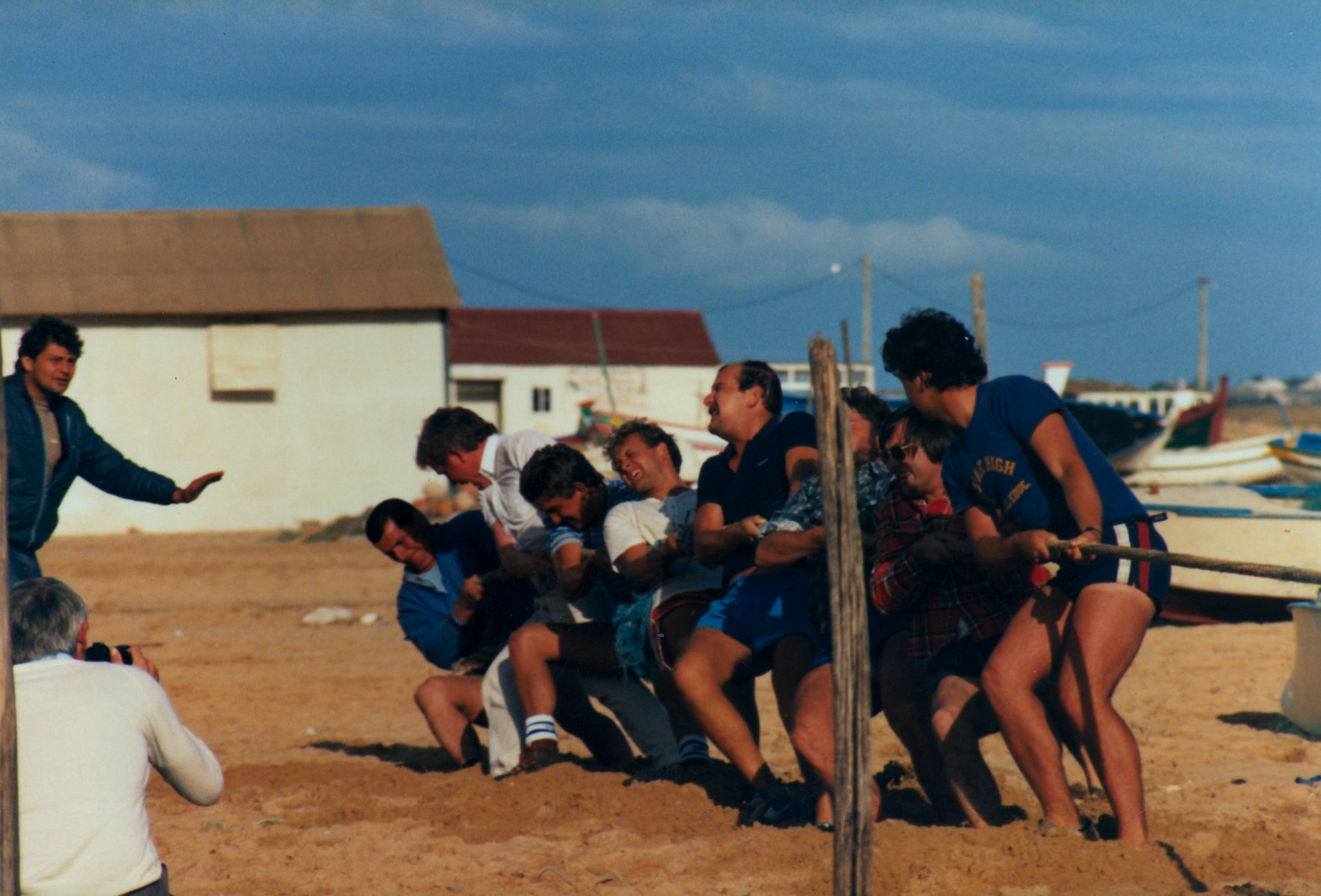
Wat blijft Portugal toch een fantastisch land, en wat zijn die Portugezen nog steeds overal even vriendelijk. Het was even geleden, na onze laatste roadtrip met de Kever in 1986. Nu hebben we in twee weken met een Ford van Sunny Cars het hele rondje maar eens gereden: Lissabon, Belém, Sintra, Mafra, Obidos, Nazaré, Fatima, Coimbra, Aveiro, Porto, Braga, Vila Real, Viseu, Castelo Branco, Evora, Beja, Faro, Albufeira, Armaćao de Pera, Portimao, Vila Nova de Milfontes, Sines, Setubal, Lissabon. Veertig jaar geleden leerde ik in Armaćao Graham Crockett (Croche), Jon Garrard (Animal) en Damian Simmons kennen, en Feathers, Paul, Kate… >> Lees verder . . . >>
De Kota Radja
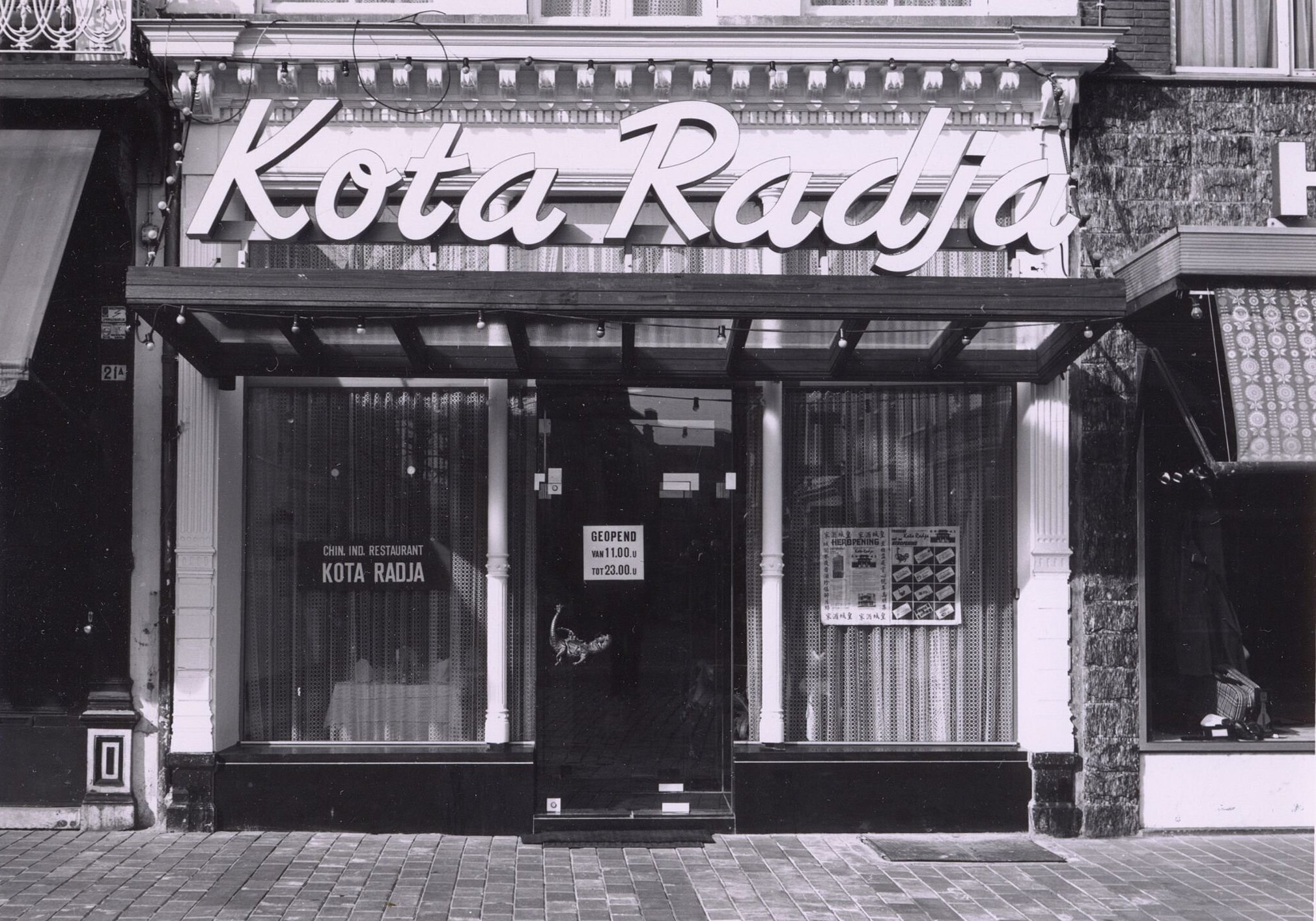
Vandaag zag ik op een van de Bredase groepen op Facebook een foto van de Kota Radja op de Grote Markt. Die maakte bij een hoop mensen een hoop herinneringen los, allemaal warm. Aan de sfeer en het eten. Natuurlijk ben ik er ook wel eens geweest. Het was zo’n gezellige oer-Nederlandse Chinees, waar je een deukje pils kreeg als je een bestelling op kwam halen, vergezeld van de onvermijdelijke vraag, ‘of er sambal bij het eten moest’. Maar ik moest ook meteen aan wijlen Willem Merkx denken, onze burgemeester, van 1967 tot en met 1983. Wilhelmus Johannes Louis Joseph… >> Lees verder . . . >>
De 412
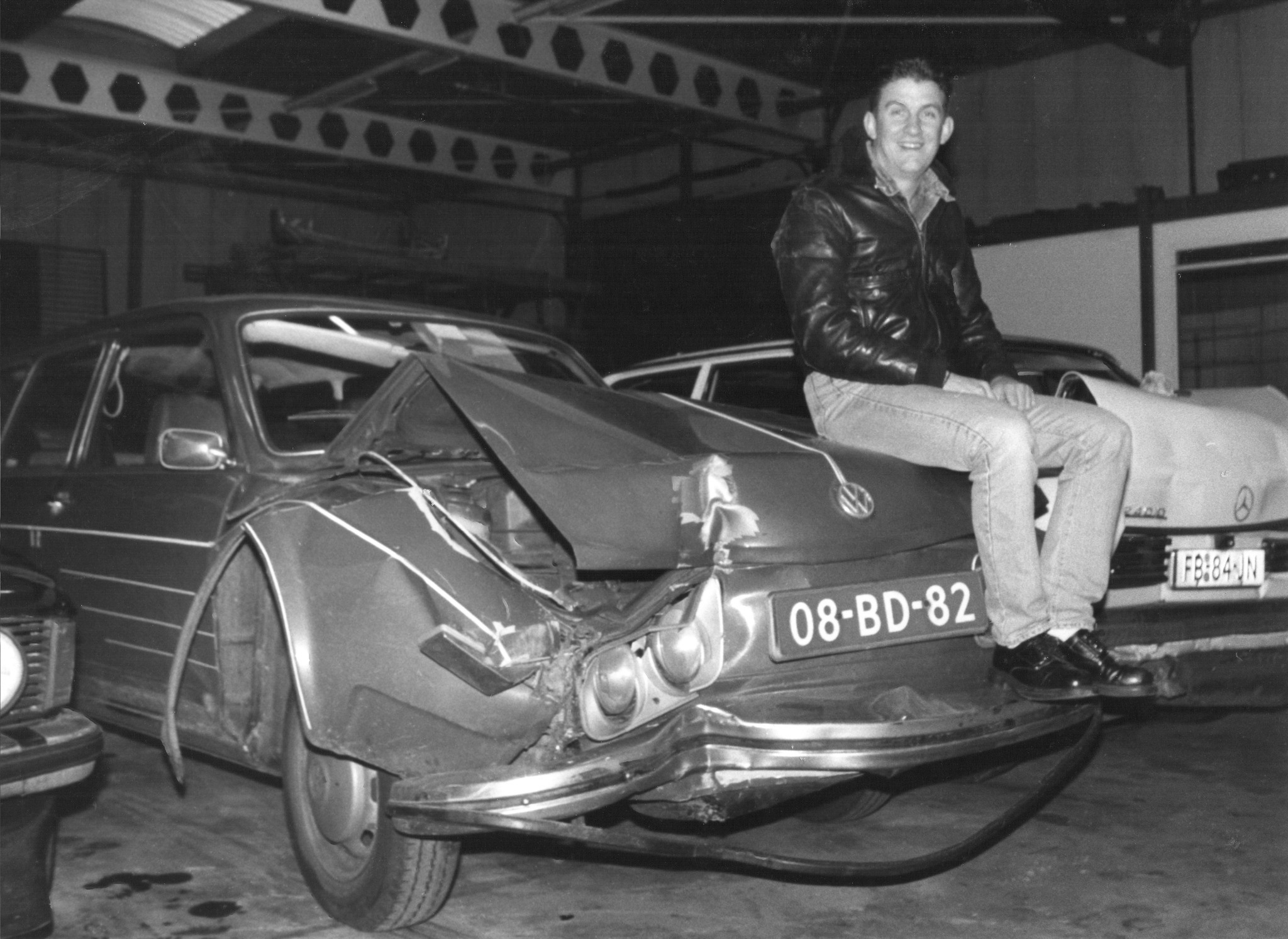
Verrek, duikt ie toch nog op, die foto, die ik al jaren kwijt was. Tussen nog een partij andere foto’s waarvan ik gewoon vergeten was dat ik ze nog ergens had. Die zwart wit, daar hoort een mooi verhaal bij. VW kenners herkennen er een 412 in, ergo Type 4. Amper te zien op de foto, maar het was ook nog een Variant, de tweedeurs met achterklep en riante bagageruimte. Het ding zoop nogal, maar reed als een speer, tot ik die verdomde container van Van Puyfelik ramde. Tussen Kerst en Nieuwjaar 1987, in razende vaart van het Kersttoernooi Driebanden… >> Lees verder . . . >>
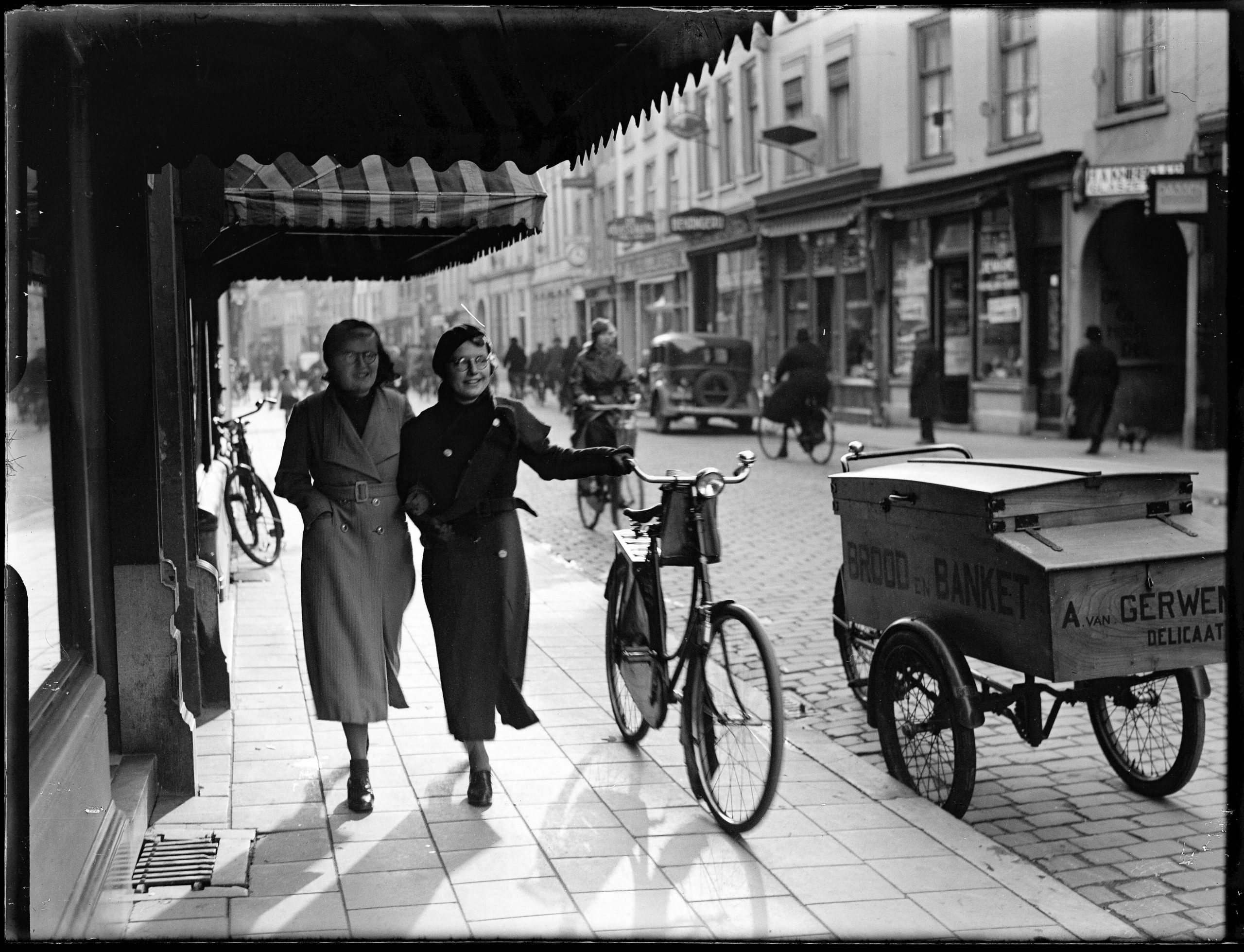
Jan de Jong
Begin december schreef ik een verhaal over de Ginnekenmarkt en de Raadhuisstraat, naar aanleiding van twee foto’s die Jan de Jong er in 1937 gemaakt heeft. Op de Facebook groep Oud Breda rouleren de schitterende glasnegatieven van Jan de Jong als profielfoto. Daardoor dacht ik lang, en kennelijk velen anderen met mij, dat Jan de Jong een Bredanaar was, of in ieder geval een fotograaf die in Breda gewoond heeft. Dat is dus helemaal niet zo, weet ik nu, met dank aan Gerard Kamp. Die heeft het leven van Jan de Jong, min of meer noodgedwongen, min of meer als… >> Lees verder . . . >>
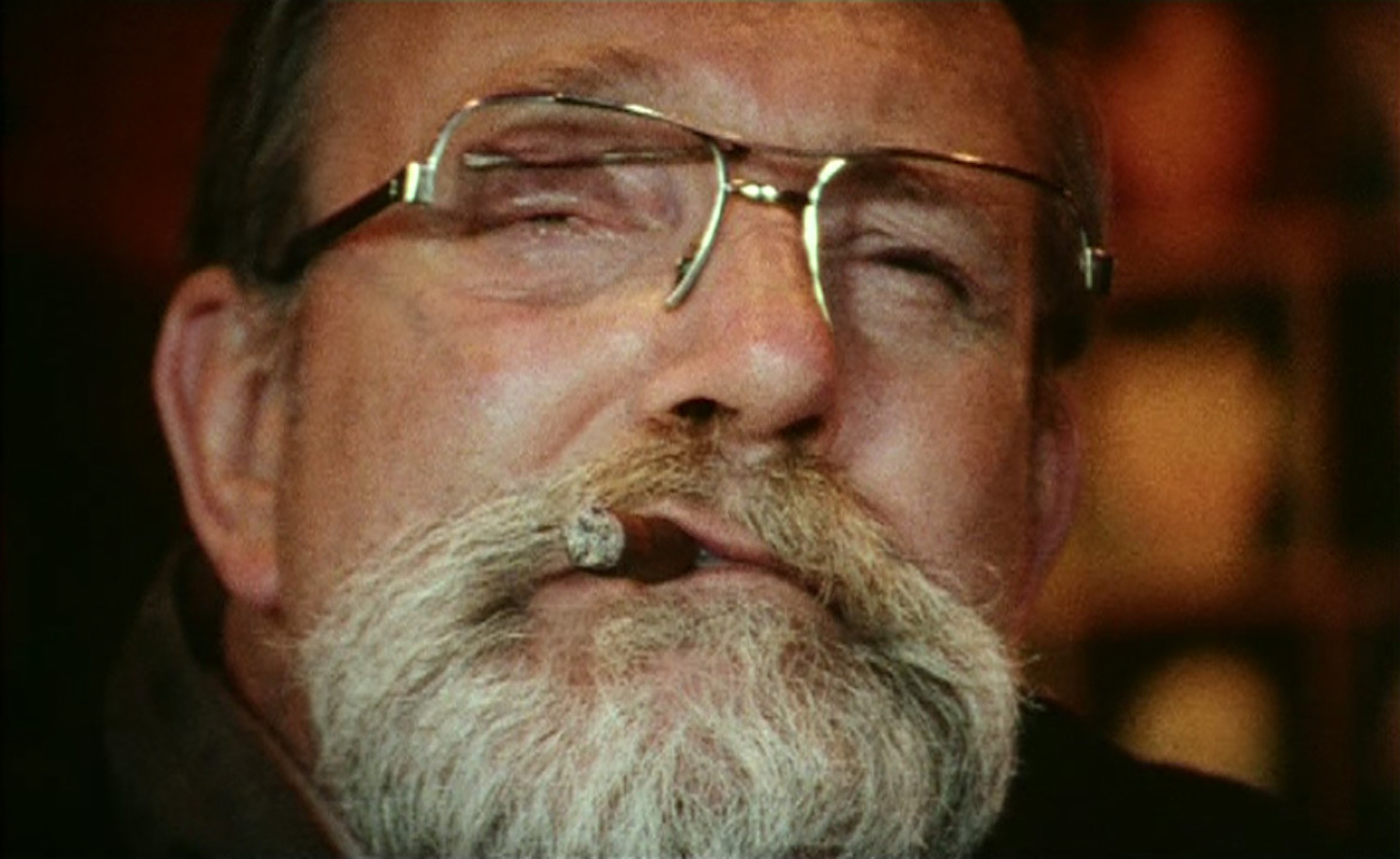
Bert Slijk, Herman, en Marlene Dumas
(Longread, 4200 woorden) Dit is een verhaal wat ik al heel lang wilde maken. Dat het er tot nu niet van gekomen is, is door het essay van Michiel Morel: ‘De vrouwenliefhebber van Marlene Dumas‘. Hij schreef het levensverhaal van Bert Slijk in 2011 zo compleet op dat ik steeds schroomde om er ook nog een keer over te gaan schrijven. Dat ik er toch aan begonnen ben is omdat ik Bert, en met mij vele Bredanaars met een honkbal, carnavals of jazz verleden, op een andere manier dan Michiel gekend hebben. Michiel Morel (van 1946) was directeur van het… >> Lees verder . . . >>
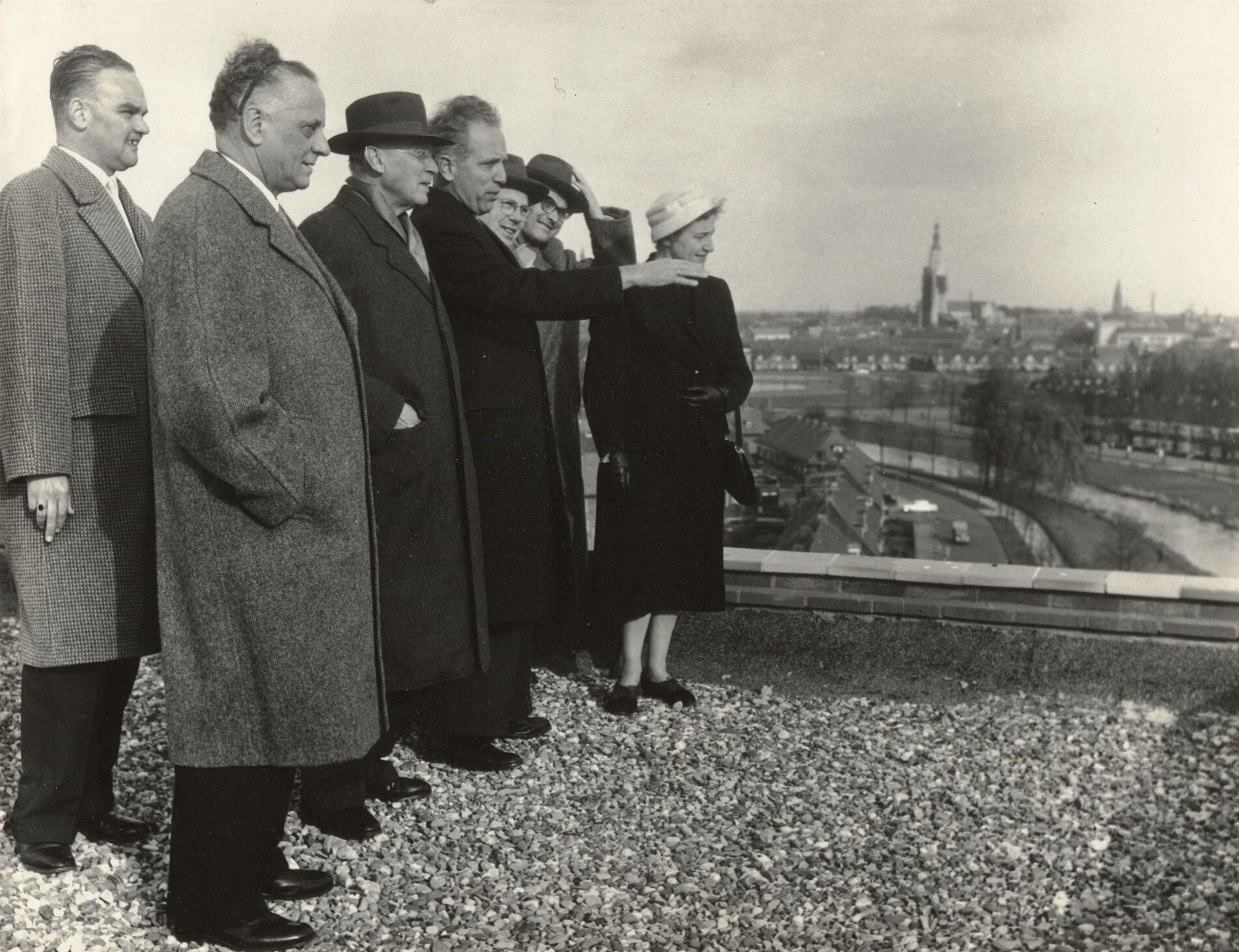
Constant Kortmann op de Brugflat
De Gemeente Breda publiceerde vandaag op haar social media kanaal twee foto’s van de Brugflat aan de Dr. Struyckenlaan, toen en nu. Die stond al een tijd op mijn lijstje, dus meteen maar even uitgetikt. Mooie foto van Hans Chabot, hoog bezoek in Breda, op het dak van de Brugflat. Zoals te doen gebruikelijk bij Hans ontbreken de meeste namen, en andere relevante gegevens, maar we herkennen hier Constant Kortmann die richting Julianalaan en Van Sonsbeeckpark wijst. De datering in het Stadsarchief is ruim genomen, ‘1965-1975’, maar ik denk dat die niet klopt, net zo min als de beschrijving, waarin… >> Lees verder . . . >>
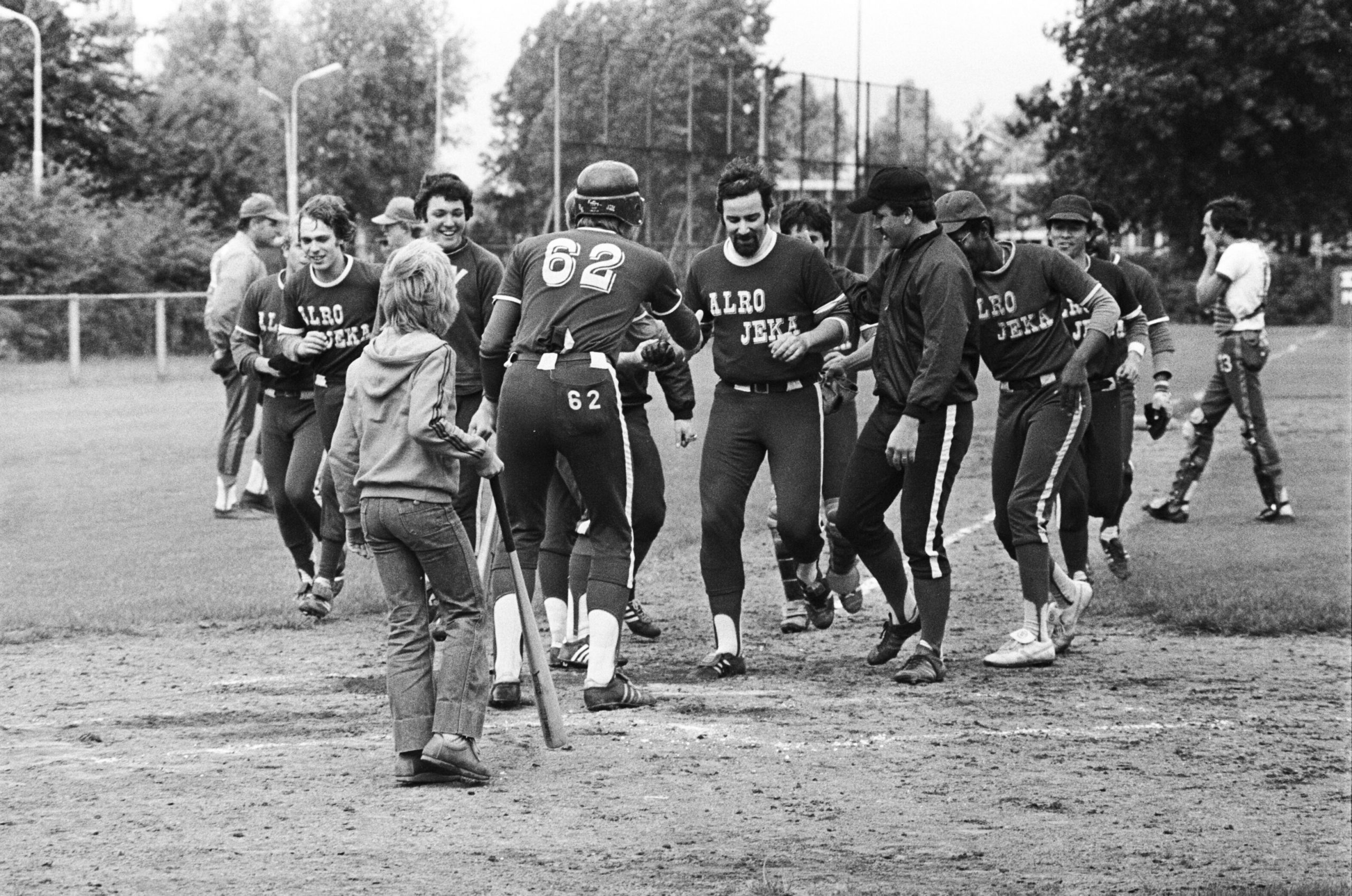
Xaveer Obbens
Zondag 9 juli 1978, Xaveer wordt binnengehaald nadat hij de winnende homerun tegen Twins geslagen heeft. Van links naar rechts, sommigen half zichtbaar, Martin de Vetter, Ronald Heyligers, Cees Ebbing, John van der Klift, Xaveer Obbens, Janhenk van Berkel, John Michielsen, Ossie Dalnoot, Ruud Dom en Elgin Juddan. Foto Johan van Gurp, Dagblad De Stem, Stadsarchief Breda. Xaveer Obbens (Katwijk aan Zee, 19 juli 1942 – Breda, 9 december 2023) Dit zijn onze herinneringen aan Xaveer, zoals door mij en Janhenk van Berkel eerder deze week verzameld. Gistermiddag zo ongeveer door Janhenk uitgesproken bij het bomvolle afscheid. Net zo druk als na… >> Lees verder . . . >>
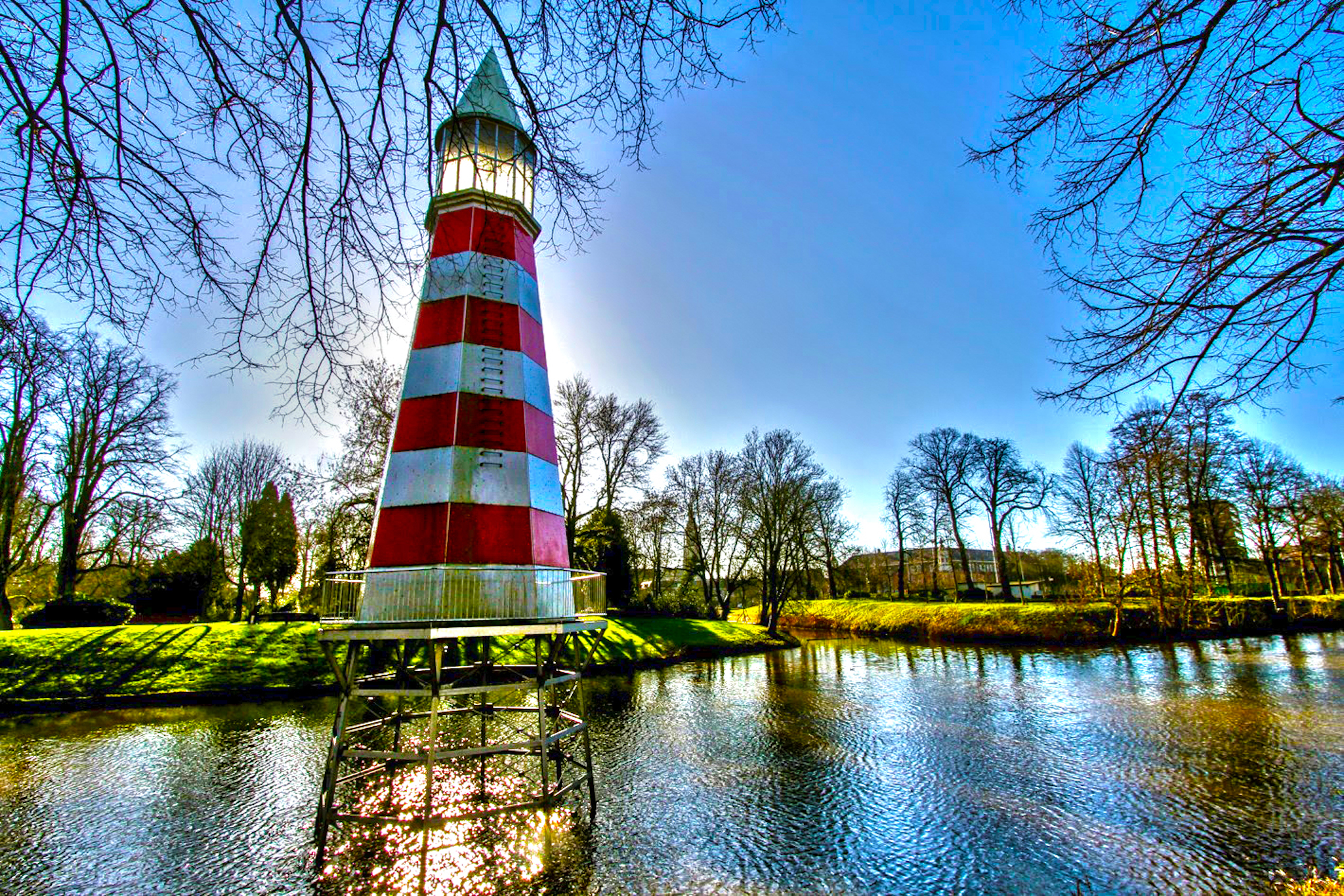
Het vuurtorentje van Aldo Rossi
Bijna iedere dag rij ik wel een keer over de Academiesingel, en duiken er herinneringen op. De vroegste uit begin jaren zestig, op weg naar de benzinepomp van mijn achteroom Frits van de Mortel naast de spoorwegovergang op de hoek van de Belcrumweg en de Spoorstraat. En aan de verrekte vriendelijke orthopeed Corbey, die me in die tijd op Academiesingel 1 een paar steunzolen aanpaste. Vakwerk, want binnen twee jaar had ik geen platvoeten meer. Dat perceel waar de benzinepomp van oom Frits stond is nog steeds een merkwaardig stukje peperdure braakliggende grond, tussen Belcrumweg, spoor, Academiesingel en Spoorstraat. Er… >> Lees verder . . . >>
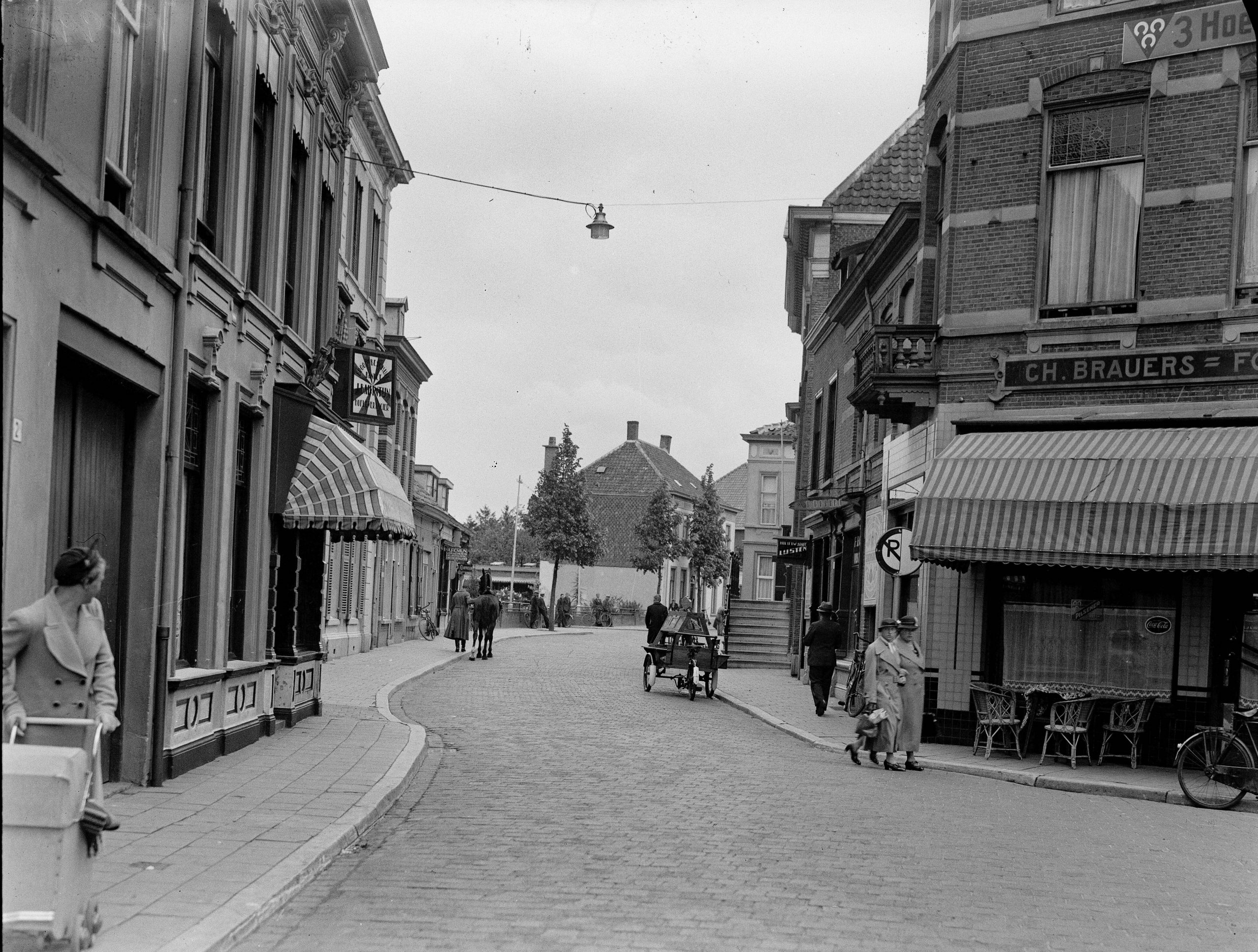
Raadhuisstraat en Ginnekenmarkt
Op Oud Breda wordt om de zoveel tijd de profielfoto vervangen. De laatste tijd wordt vaak voor een van de fenomenale glasnegatieven in de collectie van de Beeldbank van het Stadsarchief gekozen. De meest recente komen uit de destijds door Pierre van der Pol voor het Breda’s Museum aangekochte collectie van Jan de Jong. Ik weet nog helemaal niks van de man, maar ik ga het eens uitzoeken. Het is geen grote collectie, maar de 269 afdrukken zijn geweldig, qua compositie, scherpte, licht, heerlijk! Ze zijn lekker hoog ingescand met een Hasselblad H3DII-39, resulterend in geweldige lappen, van altijd over… >> Lees verder . . . >>
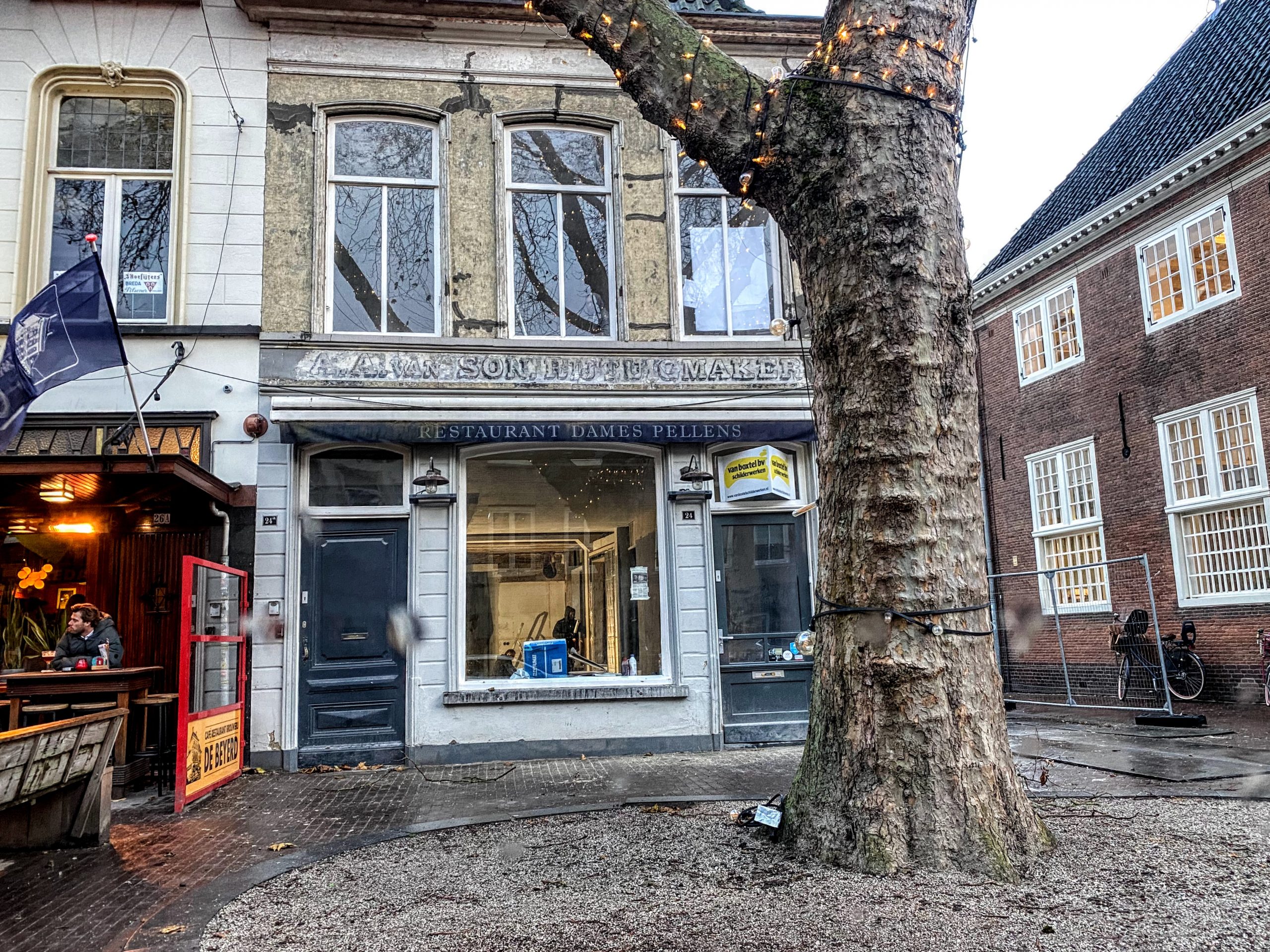
Rijtuigmaker Van Son
Ik ben niet de enige die vorige week verrast opkeek, toen ik in de regen door de Boschstraat reed, en naast De Beyerd boven de pui van de buren de tekst ‘A.A. van Son, Rijtuigmaker’ zag staan. Hans Simons wees me er ook al op, en Marcello van Londen had hem ook gezien. Hoppakee, daar gaan we weer de archieven in. In het archief in mijn bovenkamer doken als eigenaren en uitbaters van het pand alleen maar de laatste twee op, maar natuurlijk zijn er tientallen meer geweest. Voordat de Dames Pellens het pand betrokken, zat er een paar decennia… >> Lees verder . . . >>
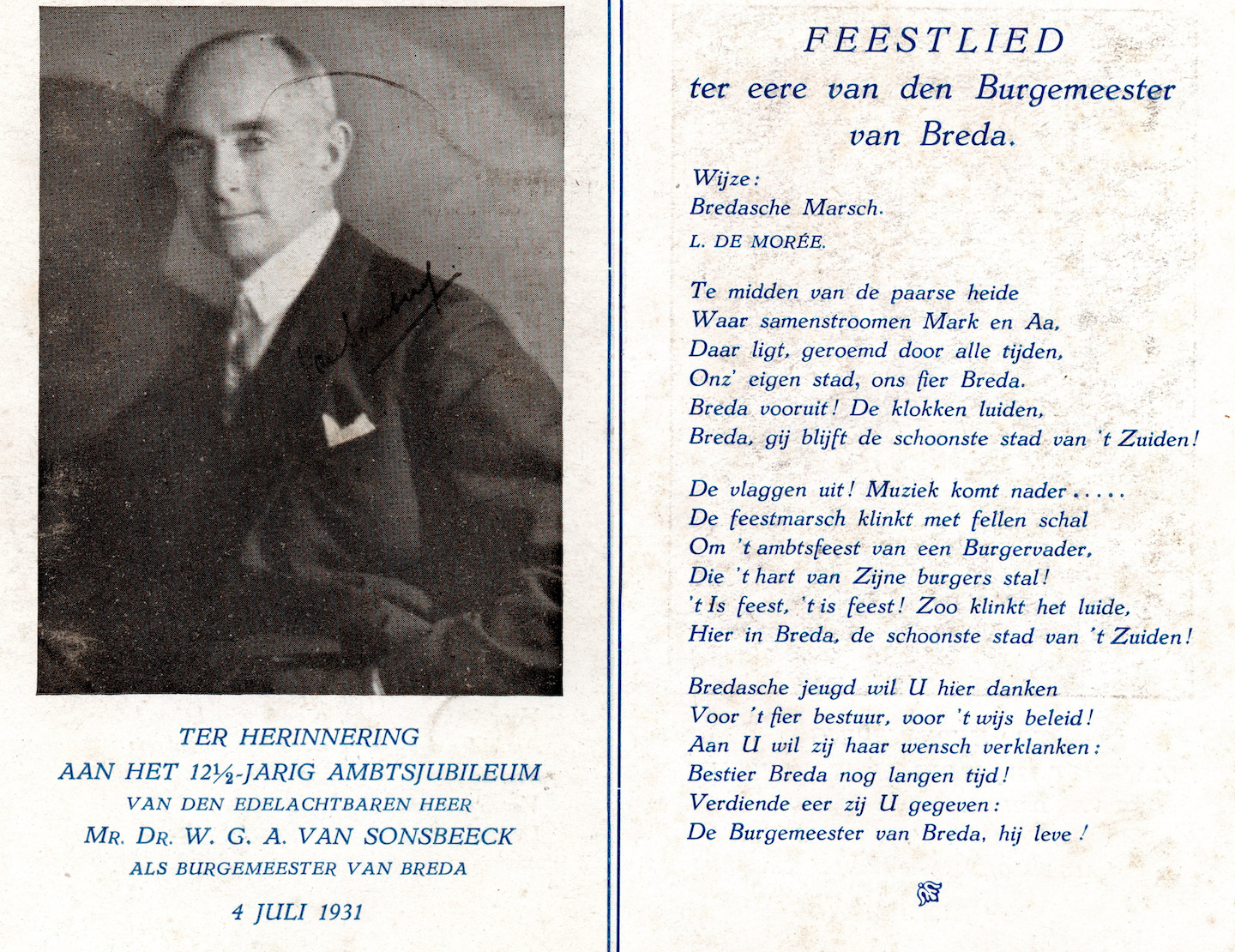
Het feest van Willem van Sonsbeeck
Update d.d. 30 november 2023, oorspronkelijke post 23 mei 2020.Dit stukkie dateert van drie jaar geleden, maar ik heb nu even aangepast en opnieuw gedateerd. Omdat Pim van Ginneken en Carlo Verkooijen het plan hebben opgevat om een nieuw volkslied voor Breda te maken. Dat is bij sommigen nogal in het verkeerde keelgat geschoten, maar ik vind er niet zoveel van. Dingen veranderen, soms ten goede, soms niet, dus ik zou om te beginnen zeggen: ‘laat eerst maar eens horen’. Er zijn wel meer volksliederen veranderd, om allerlei redenen. ‘De Paarse Heide’ is overigens al eens eerder aangepast, als eerbetoon… >> Lees verder . . . >>
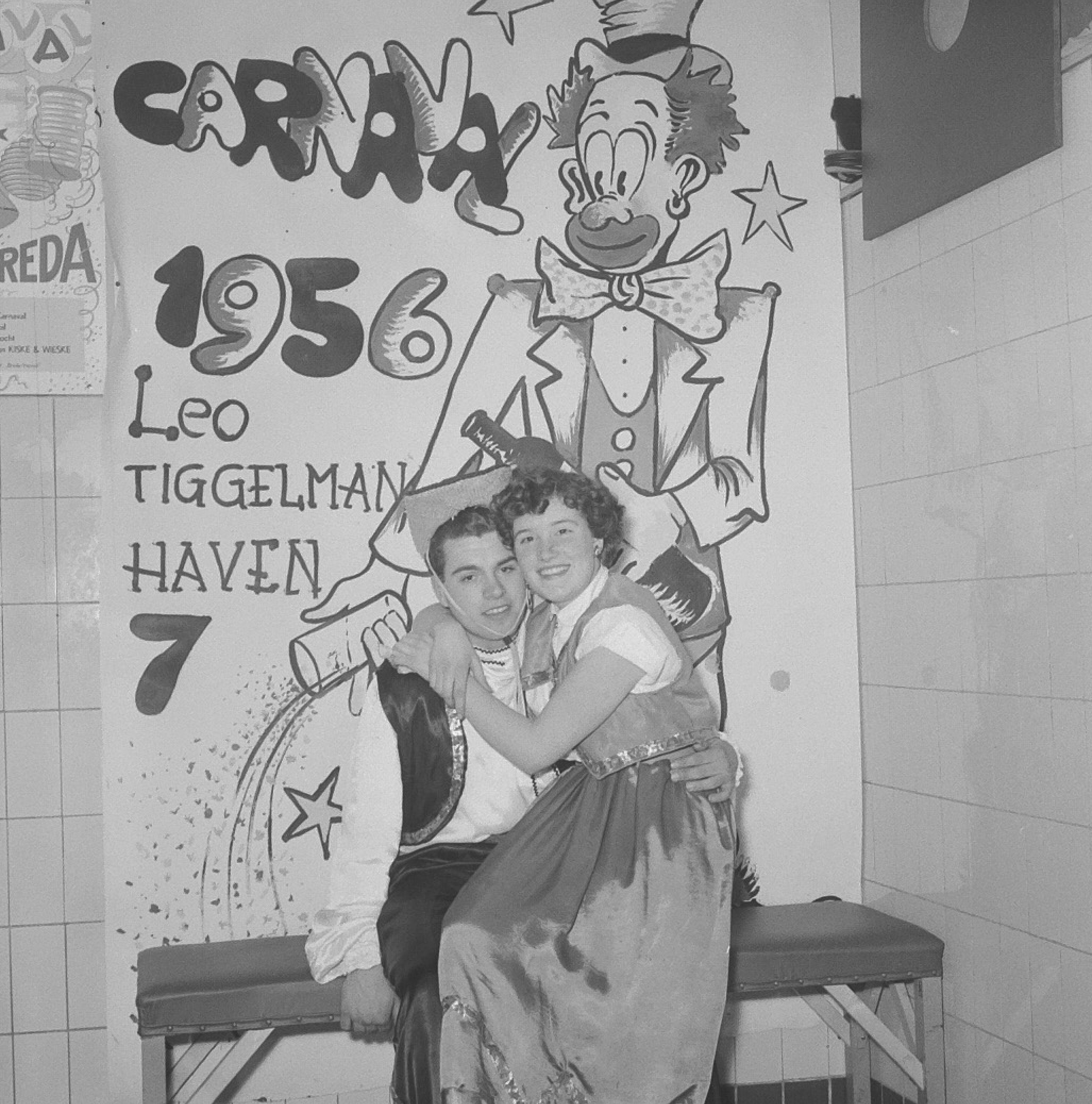
Carnaval en Mi-Carême 1956, bij Tiggelman
Deze stond ook al even op een lange lijst. Het zijn iets meer dan 360 portretten die Hans Chabot met Carnaval en Halfvasten 1956 bij de dansschool van Leo Tiggelman, toen nog aan Haven 7, gemaakt heeft. Soms één muurbloem op zoek naar contact, de meesten foto’s stelletjes, maar ook veel trio’s, kwart-, kwin- en sextetten, soms kleine groepen. Het was aardig wat werk omdat ik ze één voor één van de gescande contactafdrukken moest knippen en plakken. Zoals Hans ze ons nagelaten heeft, met zes, zeven, acht, negen of tien afdrukken per sheet. Nadat ik Hans in september 1978… >> Lees verder . . . >>
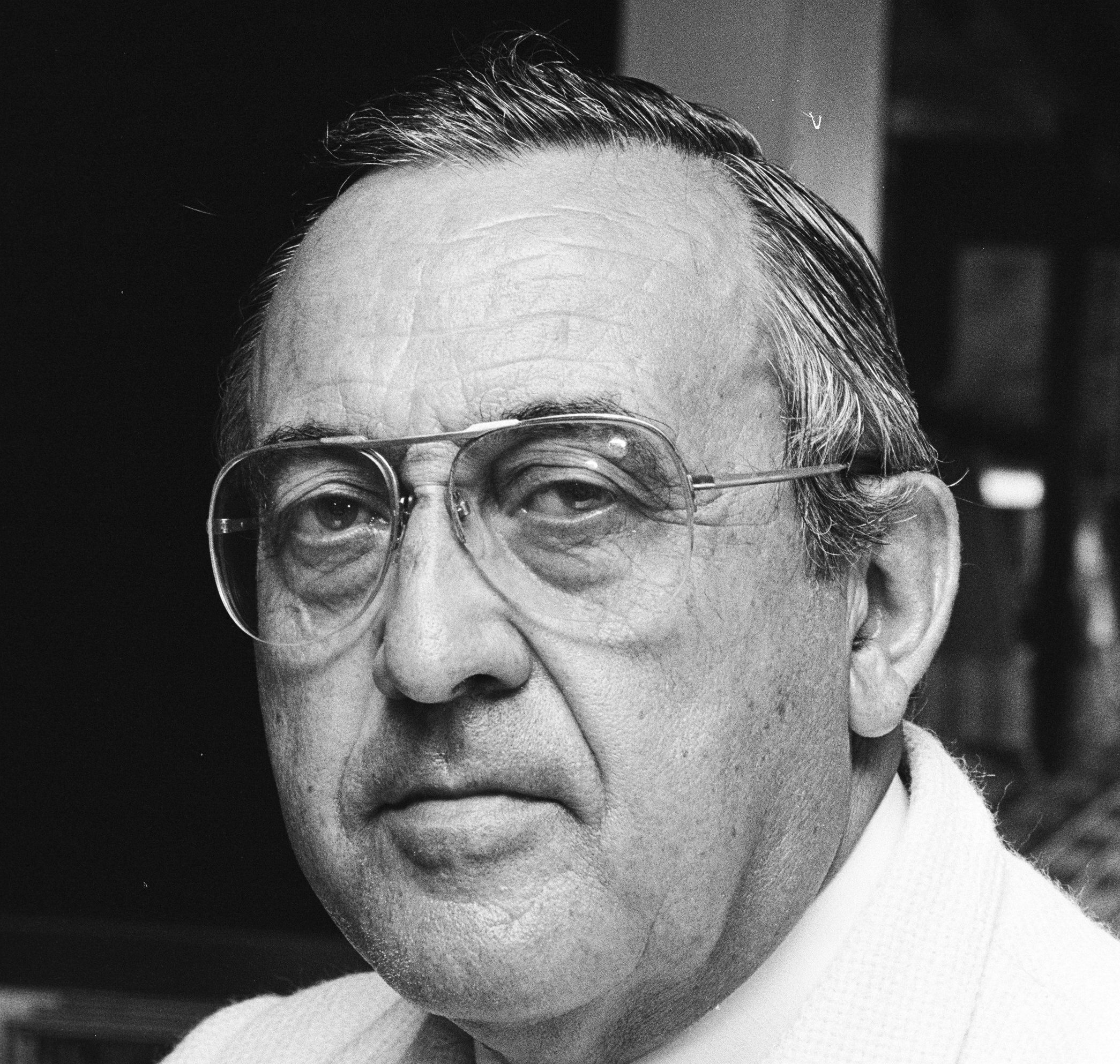
Dré Karthaus
In de serie kunst (die nog niet kwijt is) in Breda in beeld publiceerde de Gemeente Breda vanmiddag een post over de twee feestvarkens, die sinds 1991 op de kruising van de Haagweg en de Posthoornstraat in Princenhage staan. De Gemeente: ‘Kunstenaar André Karthaus; ontwierp dit kunstwerk ‘Nil’ als geschenk voor carnaval vierend Princenhage. Hij was zelf een van de leden van de Raad van Wijze Mannen van CC ‘t Aogje. Extra toepasselijk nu we 11-11 het nieuwe carnavalsseizoen weer aftrappen! Wat vind jij van dit kunstwerk?’ Kennelijk is degene die het gepubliceerd heeft, twee dingen vergeten. Om te beginnen… >> Lees verder . . . >>
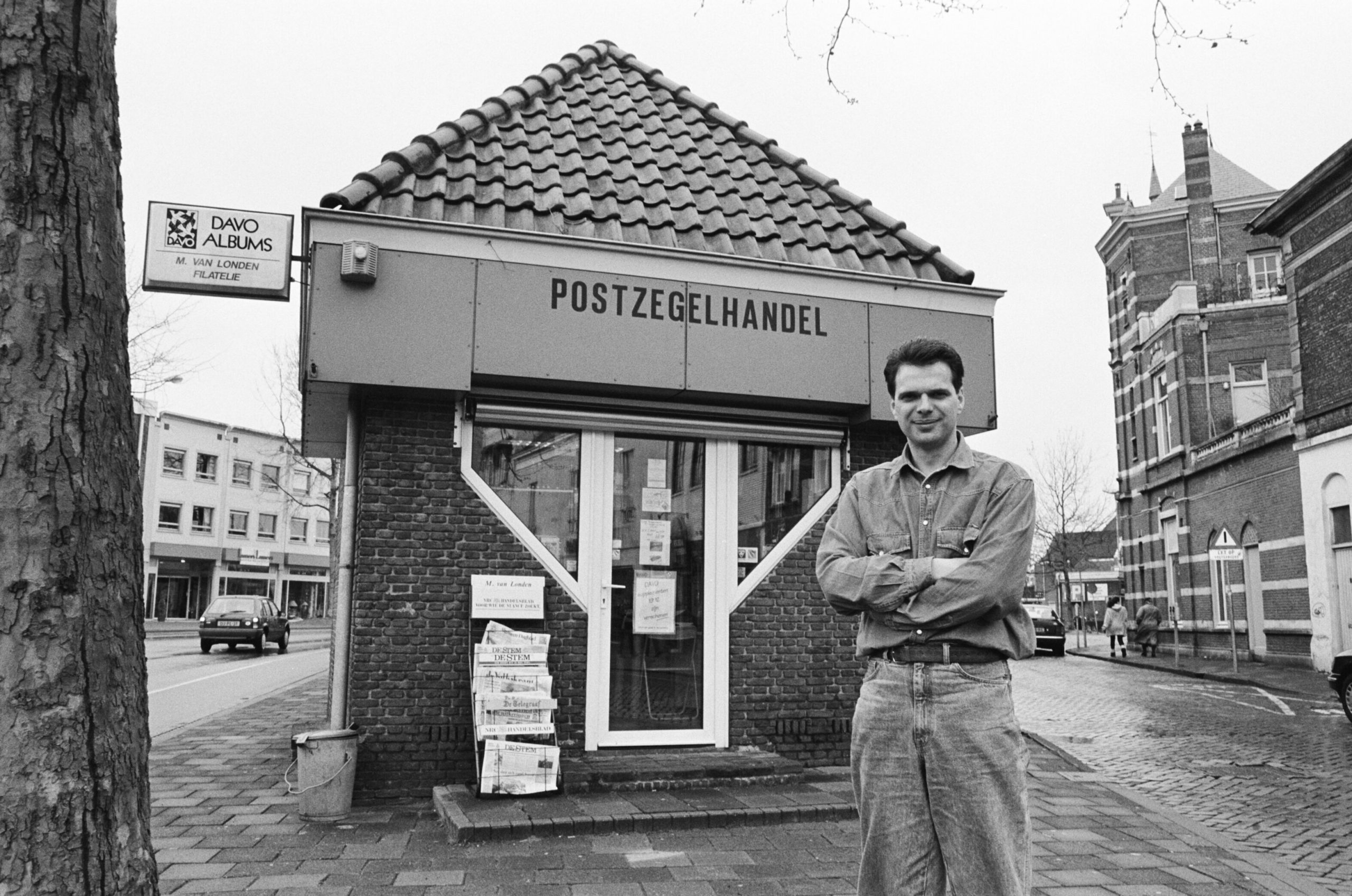
Marcello van Londen
De krant liet vrijdag de bouwer en de projectleider van de gemeente Breda uitgebreid aan het woord over ‘De spannendste klus van het hele Nieuwe Mark project‘. Met uitgebreide uitleg en verwachtingen over hoe verzakkingen te voorkomen. Bij rijksmonument De Trapkes moeten zware werkzaamheden op een kleine, gevoelige locatie in de stad worden uitgevoerd: ‘Er mag niets verzakken’. Update: onderaan de tekst, met de reacties van Marcello van Londen en architect Frank Toeset, en foto’s die ik van hen ontvangen heb. Mooi, en reuze spannend allemaal, en ik hoop oprecht dat alles goed gaat. Ditmaal, zou ik eraan toe willen… >> Lees verder . . . >>
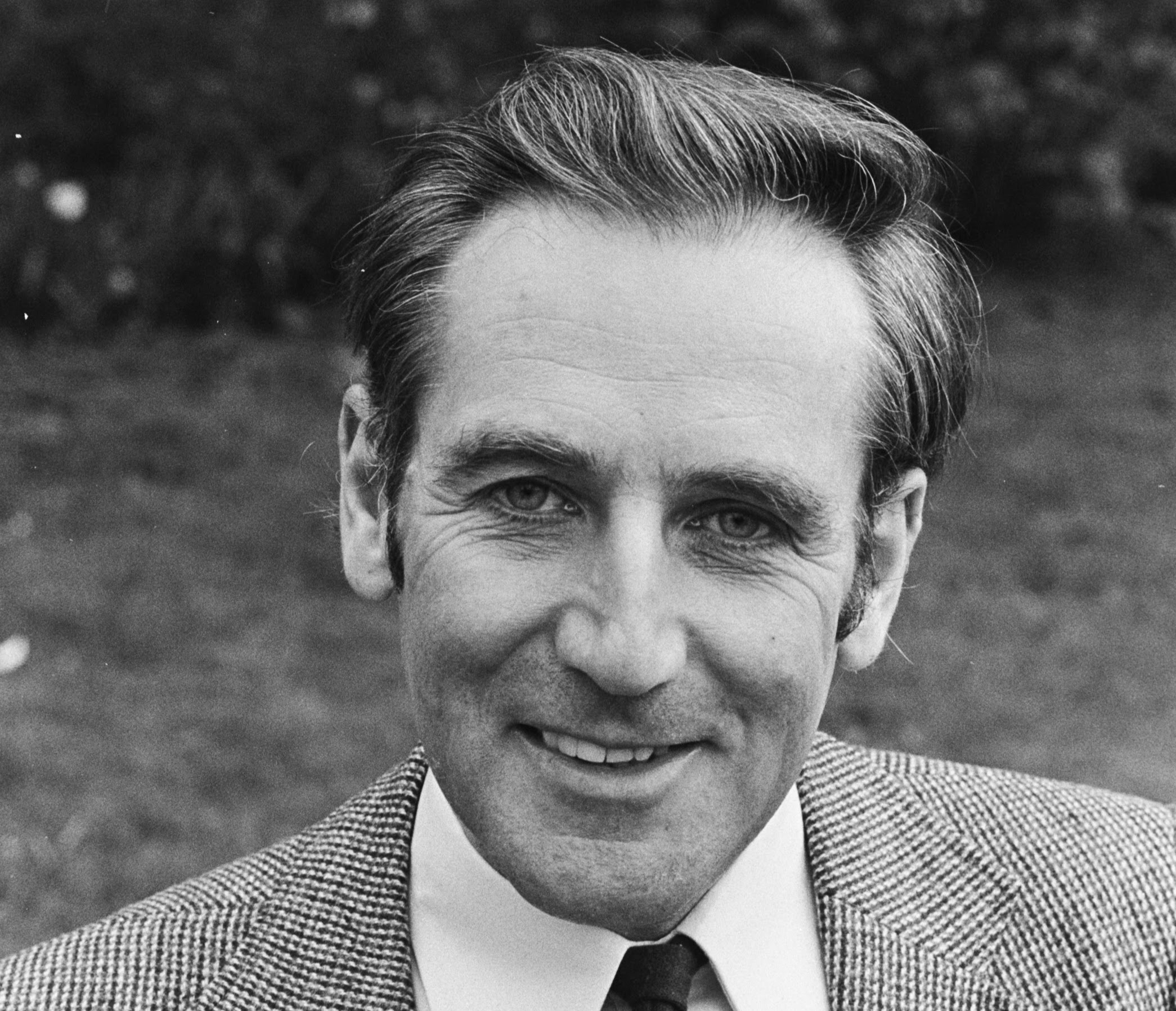
Arie van Pas
Arie van Pas (1931-2023) was met afstand het vriendelijkste en meest bescheiden mens dat ik ooit meegemaakt heb. Met minstens één mooie verborgen kant, lees ik nu in zijn necrologie. Arie heeft, tot mijn net zo opperste als vrolijke verbazing, tot zijn dood 65 jaar zonder rijbewijs rondgereden. In zijn Oranje DAF. Zonder ooit betrapt te zijn! Dat moet welhaast een wereldrecord zijn, maar ja, het zal niet meevallen om hem postuum in het Guinness Book of Records te krijgen. Toen ik hem begin september 1978 leerde kennen, als stagiair van de Utrechtse School voor de Journalistiek, had ie er… >> Lees verder . . . >>
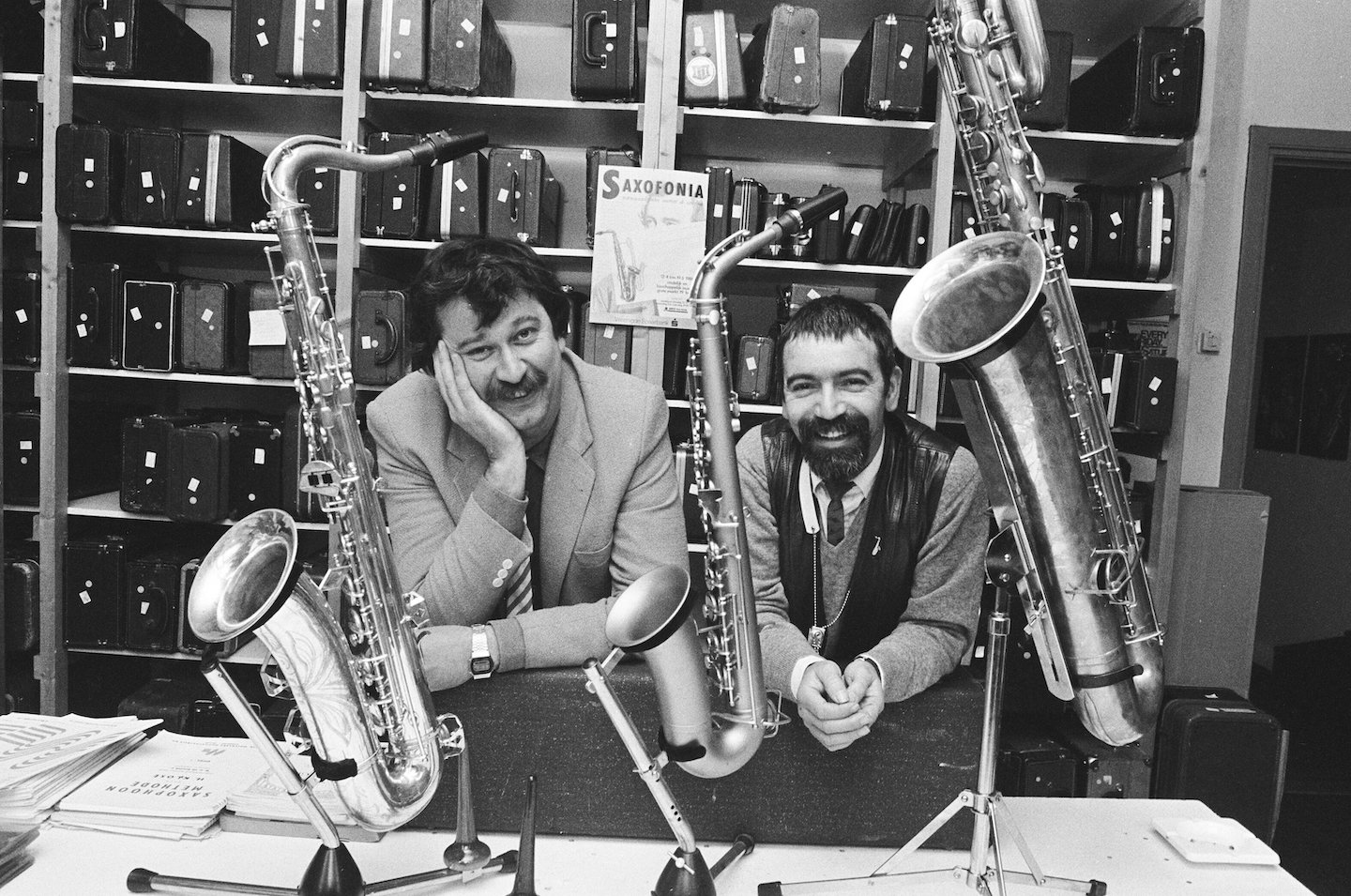
Annabel
Hans de Booij is al een tijdje erg hot, sinds een paar maanden geleden bekend werd dat ie in een caravan beland was. De een na de andere krant zocht hem op, het een na het andere radio- of televisieprogramma liet hem aan het woord. Nou overkomt dat wel meer mensen, dat ze, al dan niet geheel of gedeeltelijk door hun eigen schuld, op straat, of in een caravan belanden.Sommigen slagen er zelf in om weer op te krabbelen, anderen worden door bekenden, vrienden of instanties uit de put geholpen. Anderen hebben meer pech, en komen nooit meer uit de… >> Lees verder . . . >>
En weg was de maquette
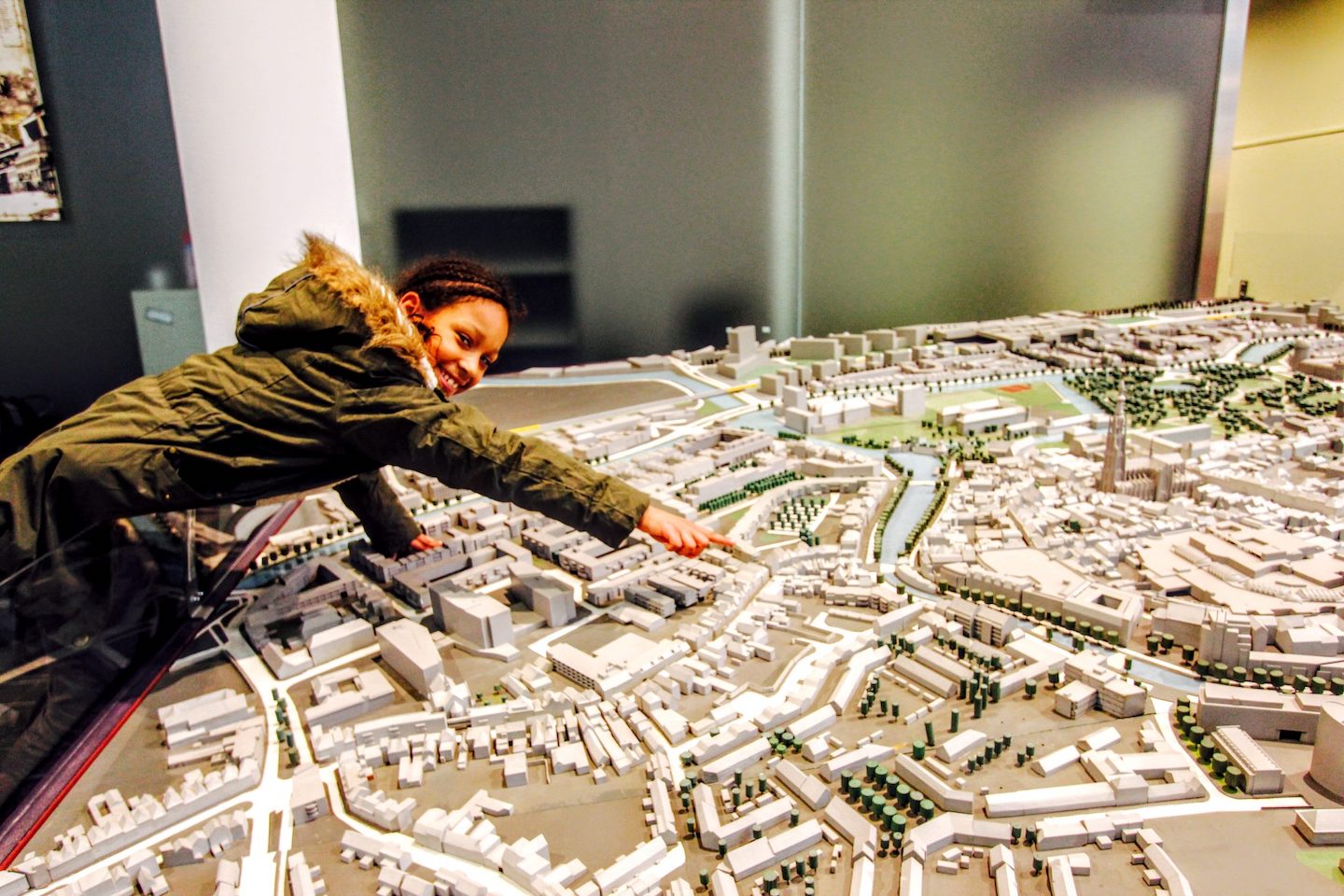
Toen bleek dat de ongeïnteresseerde erfgoedbewakers van Breda de monumentale maquette van het complete Bredase centrum binnen de Singels, – plus Breda Centraal, Wilhelminapark, en Van Sonsbeeckpark – met een kraakwagen afgevoerd hadden, heb ik me daar vanuit Rome, Cittaducale, Venetië, Pula en Zadar op Facebook mee bemoeid. Hier, op mijn openbare archief, maar even verzameld. Met de relevante links naar de posts op Facebook en de artikelen in BN De Stem. ‘Kijk’, zei dit meisje bij de heronthulling van onze Bredase maquette, na een grote opknapbeurt, in december 2015, ‘daar woon ik, hier ga ik naar school, en daar… >> Lees verder . . . >>